




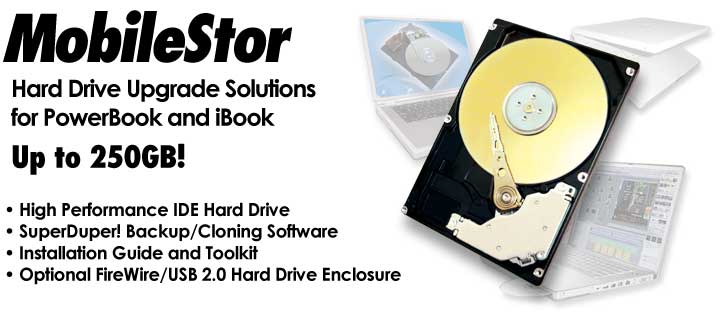
Your PowerBook and iBook deserve only the very highest performance hard drives that are compatible with these systems. For that reason, the MCE MobileStor Hard Drive Upgrades were designed around only the highest-performance 2.5" IDE hard drives available today. To make the upgrade process even simpler, included are the SuperDuper! cloning/backup software, tools necessary to perform the upgrade, as well as an illustrated installation manual.
| MobileStor Specs |
|
||
|
Capacity: |
120GB | 250GB | |
|
Rotational Speed: |
5400rpm | 5400rpm | 5400rpm |
|
Access Time: |
12.5ms |
12.5ms |
12ms |
|
Buffer Size: |
8MB |
8MB |
8MB |
|
Fluid Dynamic Bearing: |
yes |
yes |
yes |
|
Sust. Transfer (Max): |
61.9MB/s |
44MB/s |
66.3MB/s |
|
Burst Transfer (Max): |
100MB/s |
100MB/s |
100MB/s |
|
Power (Max): |
4.5W |
5W |
5W |
|
Weight: |
3.52 oz |
3.6 oz |
4.2 oz |
|
Warranty: |
|
||
MCE Certified.
Each of our MobileStor Ultra ATA/IDE hard drive models has been tested and certified by MCE to be 100% compatible with the Apple PowerBook, iBook and all Mac OS versions up to, and including, Mac OS X. MCE MobileStor drives do not require any third-party hard disk drivers as they perform best when used with Apple's standard Drive Setup utility software (pre-Mac OS X) as well as with Apple's Disk Utility program under Mac OS X.
Brief Note to iBook Owners.
The hard drive in the iBook is not end-user, or even dealer/service center, upgradeable. Just accessing the hard drive bay is a job involving the removal of over two-dozen screws, hex-nuts, plastic parts, and very small, sensitive, electronic components. If the proper level of anti-static protection is not maintained and the take-apart procedure not properly documented then a successful upgrade is nearly impossible. This being the case, installation instructions are not included for the iBook in the MCE PowerBook Hard Drive Installation Kit. Fortunately we have the facilities and have mastered the upgrade...you didn't think you'd have to live with that 3.2GB drive forever, did you? MCE offers an iBook hard drive upgrade program just for you. If you prefer, you may have the MCE MobileStor Hard Drive Upgrade professionally installed into your iBook by one of our worldwide Authorized Upgrade Centers.
PowerBook 2400.
Upgrading the hard drive in the PB2400c is a difficult procedure. There are close to 30 screws of varying sizes which must be removed before the hard drive bay can be accessed. While we don't provide hard drive installation instructions for this unit, we will, upon request, include with your new drive a jpeg photo-set on floppy disk which will guide you through the process. If you prefer, you can send your PowerBook to us and we can perform the upgrade, transfer your data, and send your system back to you via FedEx 2-day shipping for $89 domestically and $149 internationally...add $20 for overnight domestic service.
Features:
- Capacities of 120GB, 160GB, and 250GB!
- High Performance Spindle Speed of 5400RPM
- S.M.A.R.T. Status Compliant
- Sets up easily using Apple's Disk Utility program
- Can be set up as a single volume, partitioned, or made part of RAID array
- Optional, Portable 2.5" IDE Enclosure with USB 2.0 port for your original IDE Hard Drive
-
Includes:
- MCE MobileStor 2.5" IDE Hard Drive
- SuperDuper! Cloning / Backup Software
- Illustrated Installation Instructions
- Installation Toolkit

